Object 1: Rounded Square with a hole

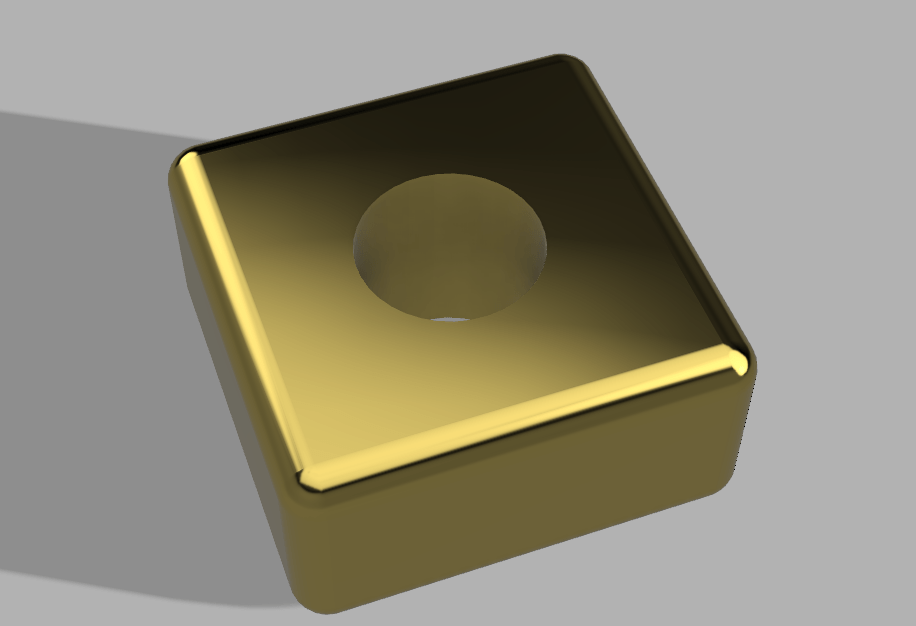
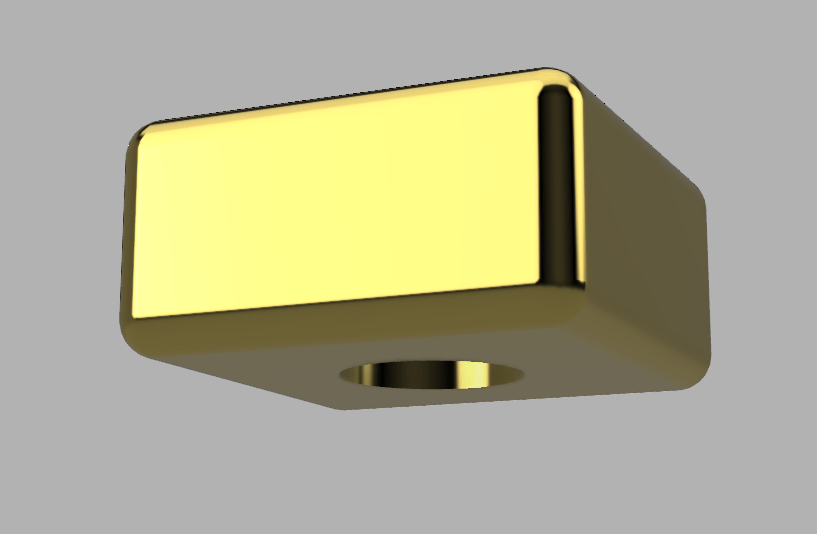
This one didn’t give me much trouble i just followed the example in class and chose gold as the texture because it looked nice.
Object 2: Lamp Shade


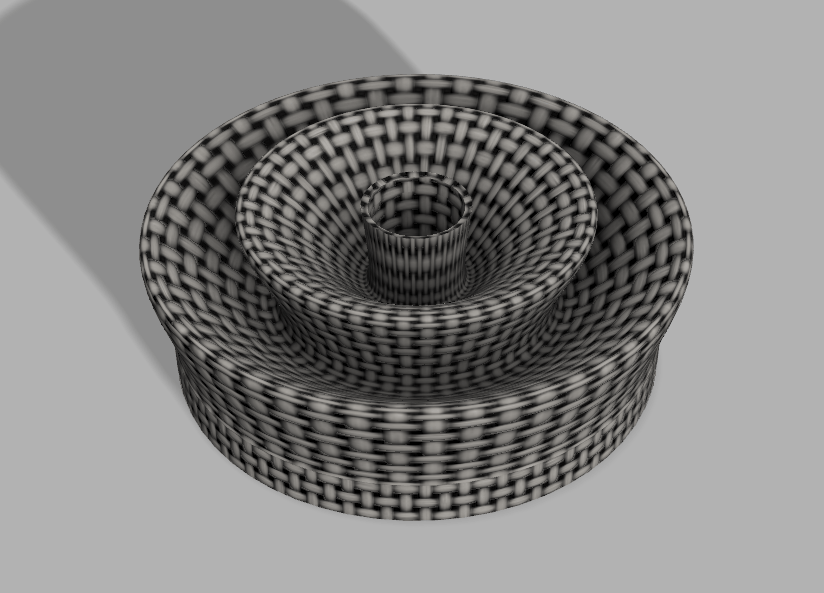
For the lamp shade I got stuck on the part where I had to add a cylindrical void through the middle but I figured it out so this one wasn’t that much of a struggle either. I used the shell modifier to hollow out the inside and rotated the sketch i made around the vertical axis to get the shade itself.
Object 3: The Flask
1 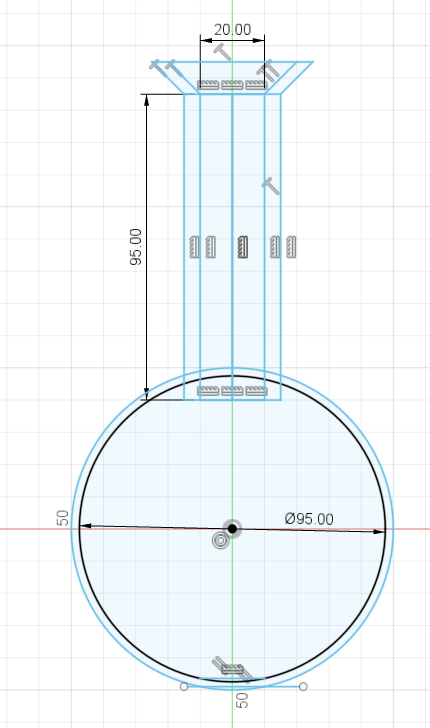
2 
3 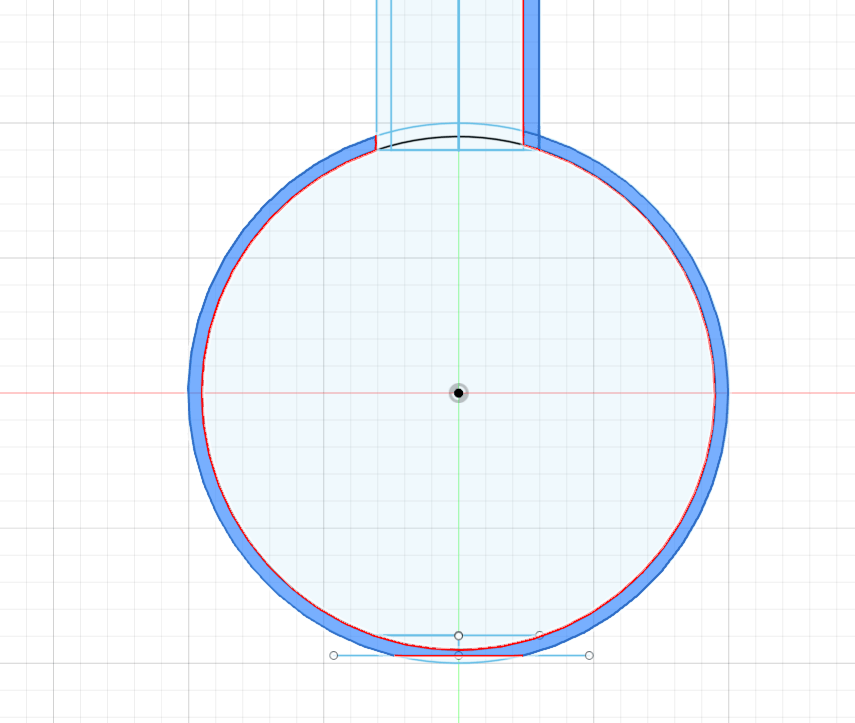
4 
5 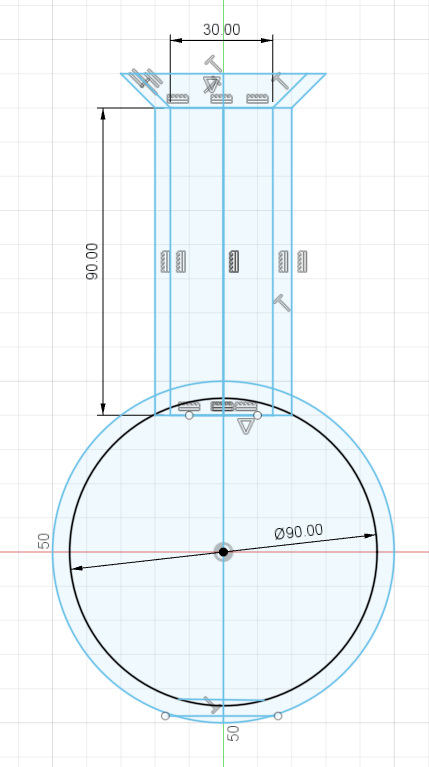
6
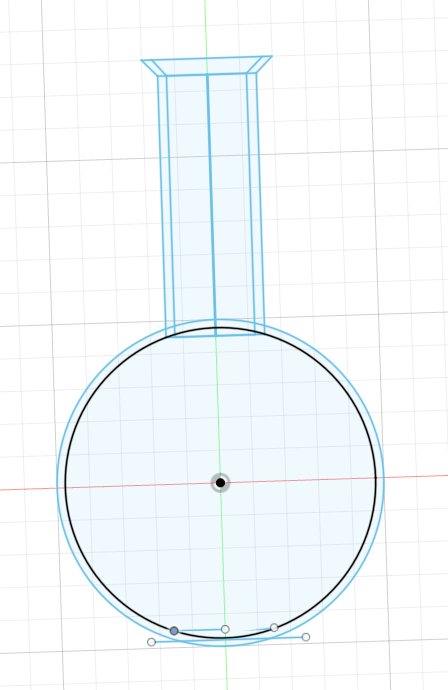
The flask was the biggest struggle for me because I couldn’t figure out how to get it to rotate about the Y-axis:
- This was me being naive thinking that a full circle could rotate about an axis and overlap onto itself.
- This was me adding all the proper measurements and fixing the flat bottom.
- This was me adjusting the flat bottom because I thought that would solve the problem.
- This is the main problem I had because when the full circle gets highlighted when trying to rotate it wont let you actually rotate it about an axis because the shape will overlap into itself.
- This is where I redid the entire sketch again but this time adding a straight line down the middle.
- Now with this straight line I could select only half the circle and properly rotate about the axis I wanted.
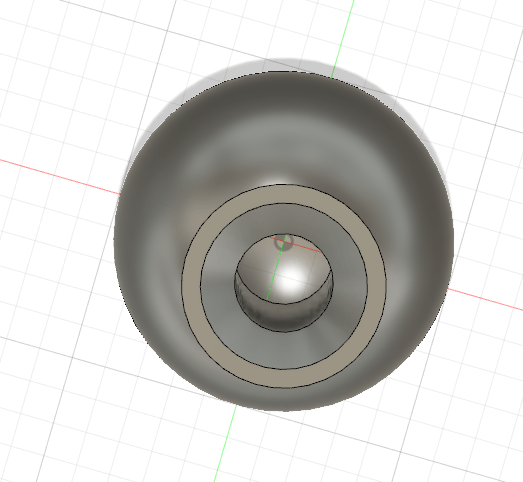

This was the result of the fixed rotation problems I was having.

This is me adding the shape for the liquid within the sketch of the glass flask itself. However, this time I knew to add a line down the middle so I could actually rotate about an axis without overlap.

This was my adjustment to the lip of the flask using the fillet modifier.

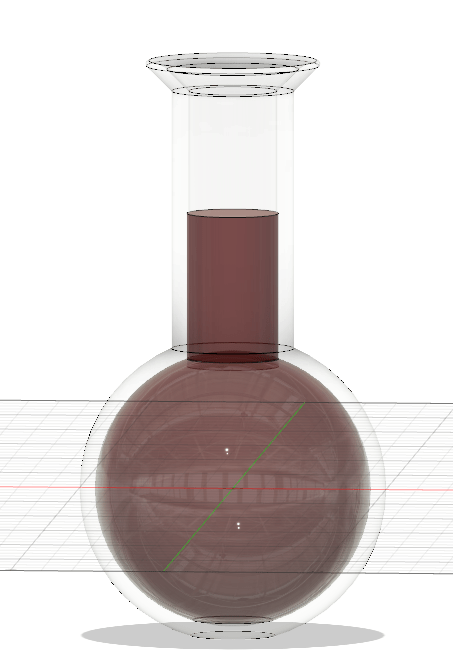
The general final design before rendering it.
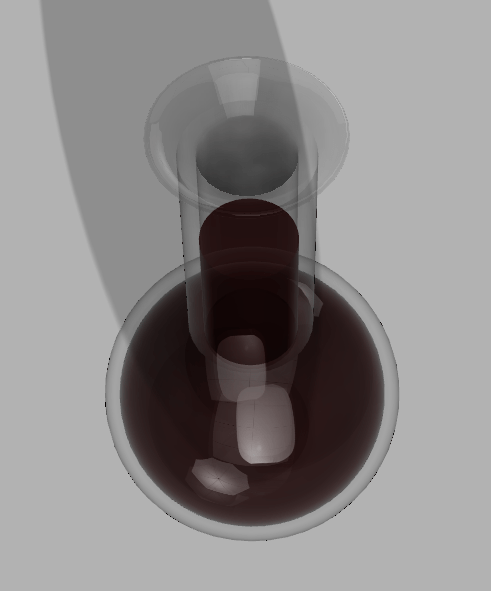


This is my final design with the red (or at least the closest I could get to red) liquid within a flat bottomed glass flask. I used one of the swimming pool water textures so the liquid should be transparent but it does look pretty murky.
Object 4: Bowler Hat


The only issues i had here was after splicing a hole to add curvature to the brim, I couldn’t just grab the underside of the top part of the hat and extrude it down. My fix for this was that I spliced the curve in the hat then added a straight line segment along the top so i could extrude the flattened underside of the top part of the hat.
The other issue I ran into was adding the hole within the hat for the head. Because I forgot to add the extra elipse within my first sketch and extrude, fillet, then turn it into a cut option rather than a join, I had to create a new sketch then extrude and fillet that. After those steps I used the combine option within modifiers and specified that I wanted the inner object to combine and cut with the outer object witch gave me the head hole in the hat.
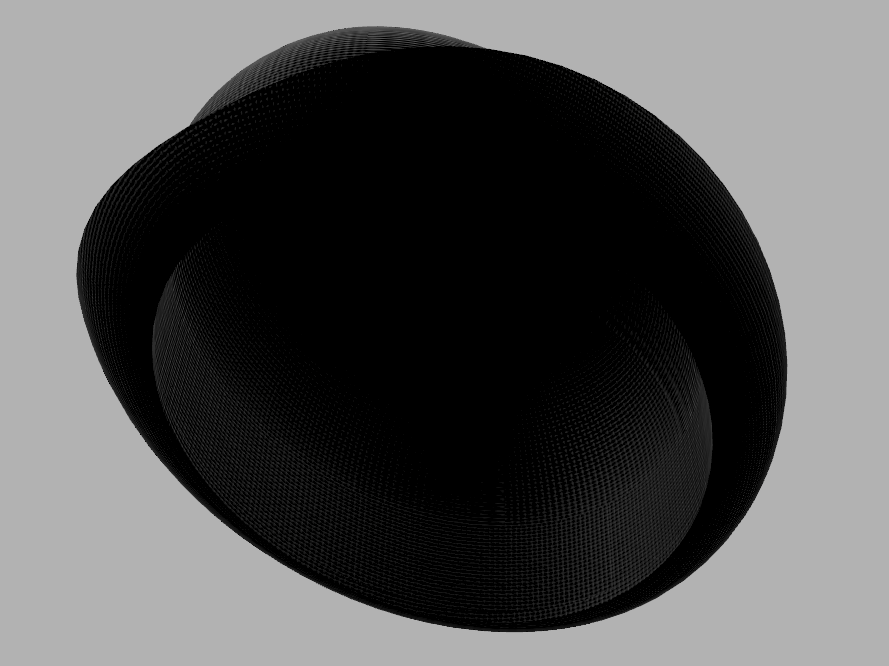
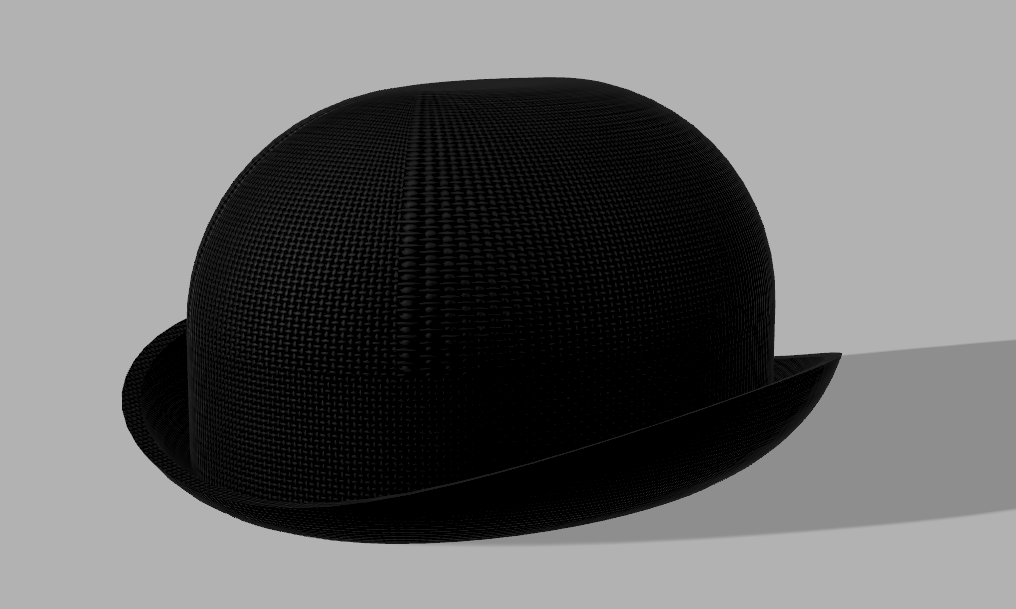
This is the final product and I used the black felt option for my texture.

 Tyler Rose Emerging technology